Babylon Labs · Field guide
Choosing DJ lighting software
If you decide the next track in the booth, your lights need a way to follow an unfamiliar song. If you want the room to go dark just before a particular drop, you need a cue you can place and rehearse. Start with how you play.
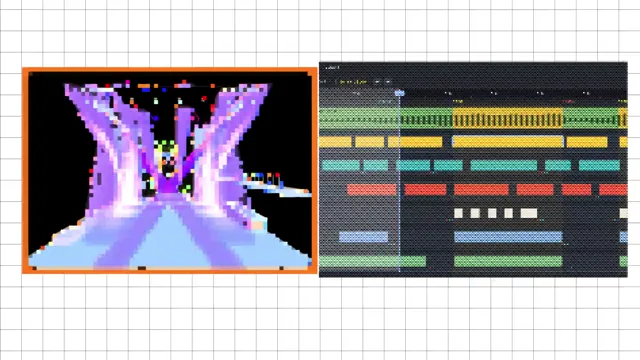 See an editable show 1:04 ↗
Three ways the lights can follow your set
Try one track before committing your rig
Pick a song with a breakdown and a drop you know by ear. Write down two moments: when the wash should fade and when the movers should come back. Build the show, move one cue, then play the passage twice. Can you get the same look both times? How quickly can you adjust it when the room calls for something different?
Next, try the parts of your set that change live: a loop, a tempo adjustment or a different edit of the song. Ask how the software gets playback position from your particular setup. A demo of track recognition alone cannot establish how your decks, audio interface or edited tracks will behave.
Get the lighting cue sheet for rehearsal ↗What to check before connecting lights
Write down your DJ software or player, operating system, DMX interface, and each fixture’s model and channel mode. Check that the software can output to your interface, and that the fixture’s starting address matches the patch. Bring this list to any compatibility conversation.
Calculate your rig’s DMX addresses ↗Where Babylon fits
Babylon LightShow is for preparing a song or playlist, editing the generated cues, and keeping that show in sync when the track plays. The 87-second launch film is public. Software access is by invitation.
Watch the workflow from 0:50 ↗ · Register for early access ↗