Babylon LightShow
From a song to a DMX light show
Babylon LightShow is music-reactive DMX lighting software from Babylon Labs for DJs, bands and event teams. Give it a song or playlist and a description of the lighting you want. It builds a show for your rig on a timeline you can edit.
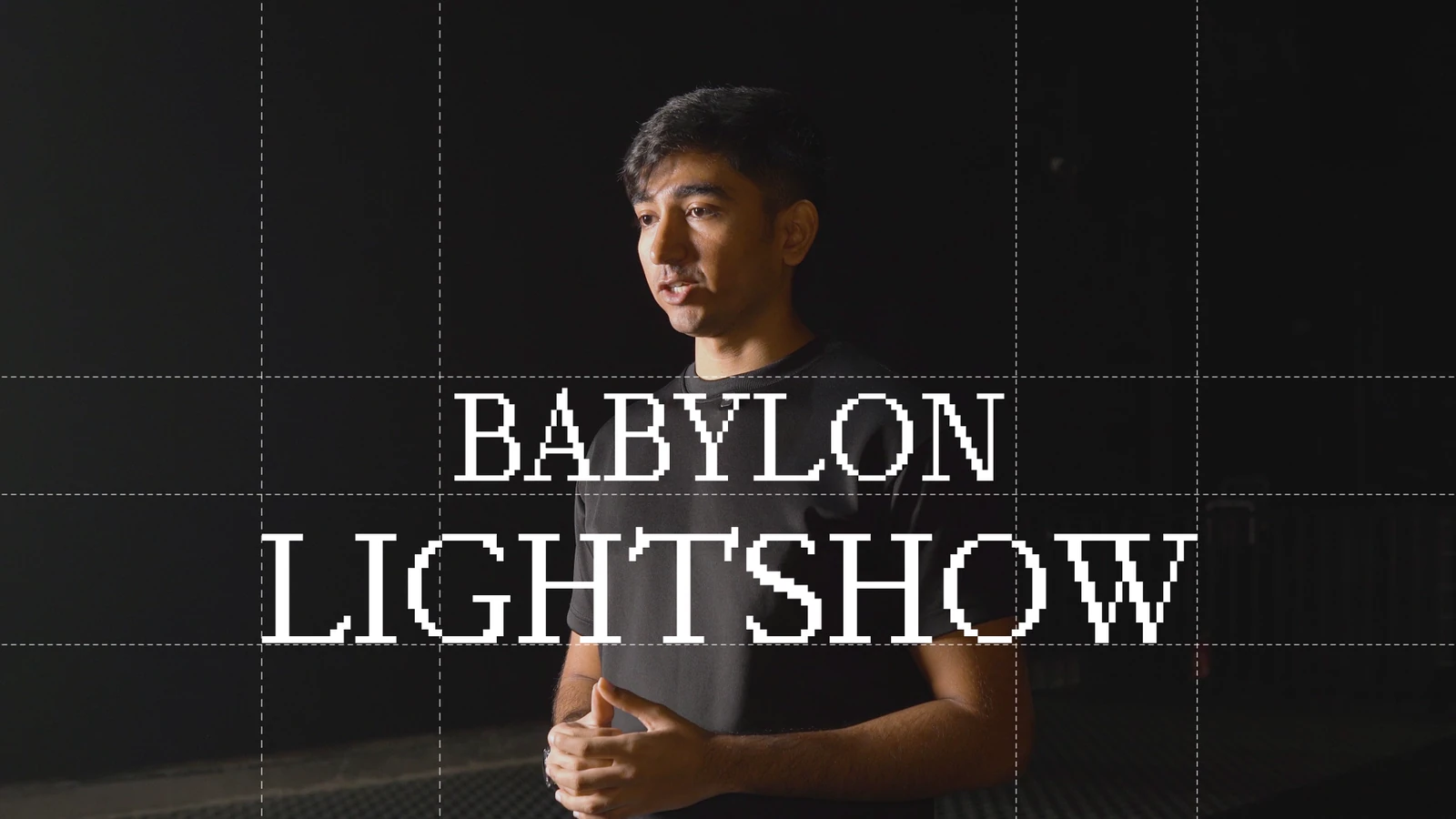 Watch the launch film 1:27 ↗
How do I turn a song into lighting cues?
Set up your rig, add a track or playlist, then describe how the show should feel. Babylon analyzes the beats, sections and energy of the music. Its lighting models use that analysis and your direction to arrange cues across the song.
For example, the demo timeline starts with the direction “Warm and moody — build slowly, then hit hard on the drop.” The intro, verse, build and drop are marked on the waveform, so you can see where a lighting change lands.
See the example cue timelineCan I edit the generated show before a set?
Yes. The generated cues sit on an editable timeline. In the illustrated twelve-fixture rig, movers, wash, strobe and pars have separate lanes. You can review a short strobe accent against the drop or see how long a wash runs through the verse before playing the show.
Read the founder’s workflow walkthroughHow do the lights stay in sync during playback?
Prepare the show against the song first. When you play the music, Babylon recognizes the track and keeps the prepared lighting in sync. For a band or DJ preparing a set, the song’s arrangement gives you a reference for both building the cues and reviewing them before the performance.
Read the playback explanationWhere can I see it or try it?
You can watch the 87-second demo today. Software access is by invitation. Selecting Get started and verifying your account reserves a place on the early-access list. Babylon Labs will contact you personally when your invitation is ready. If you have a question about a fixture, DMX interface or DJ setup, include the model names when you contact the team.
Register for early access